Audit logs
Every change in Orbit is recorded: who did what, when, and what changed. So are denied attempts and failures.
Where: Admin → Audit Logs (/admin/audit-logs). Needs: audit.view.
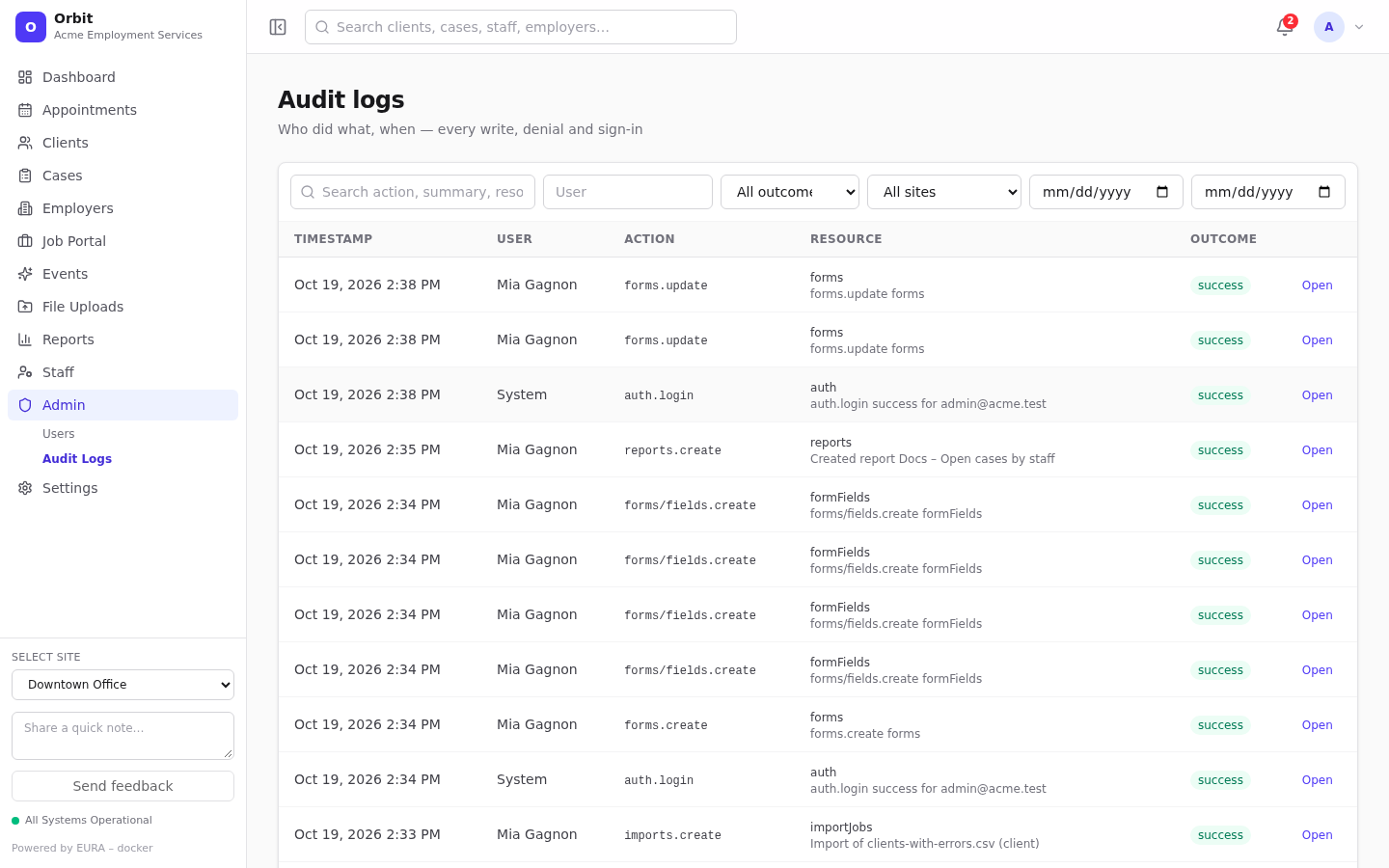
Filters
- Search: action, summary, resource or ID.
- User, Outcome (Success, Failure, Denied, Unknown), Site, start and end dates.
Columns: Timestamp, User (or System), Action (for example clients.update, imports.create), Resource, Outcome.
Event details
Select a row to open Event details.
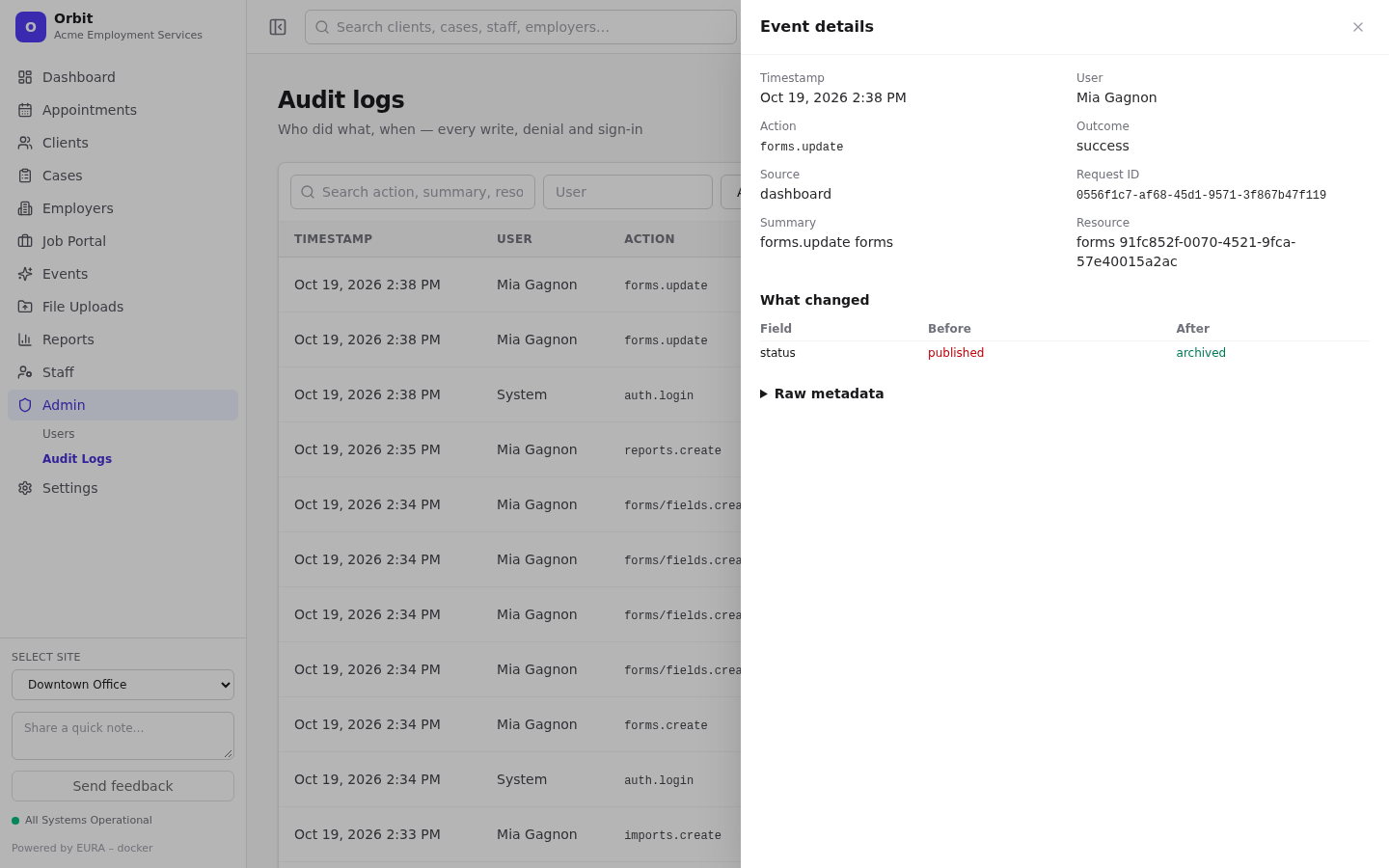
- Timestamp, user, action, outcome, Source (channel), Request ID and summary.
- Open resource jumps to the record (clients, cases, employers, staff, appointments, events, postings, applications, public submissions).
- What changed: each changed field with its Before and After values.
- Raw metadata: the full stored detail.
What's recorded
- Every create, update and delete through the app or the API.
- Denied attempts (missing permission or license) and failed writes.
- Sign-ins, imports, template changes, settings changes, role changes and user administration.
- Low-value housekeeping (such as attendee rows and booking links) isn't recorded on success.
Tips
- Investigating a support issue: ask the user for the time, filter by User and the date, then open the event. Quote the Request ID to your platform operator; it appears in the server logs too.
- Record pages (client Activity, case Activity timeline, staff Recent activity) show the same audit data for one record.