Documents settings
Upload rules for files staff attach to records.
Where: Settings → Documents. Needs: settings.read / settings.write.
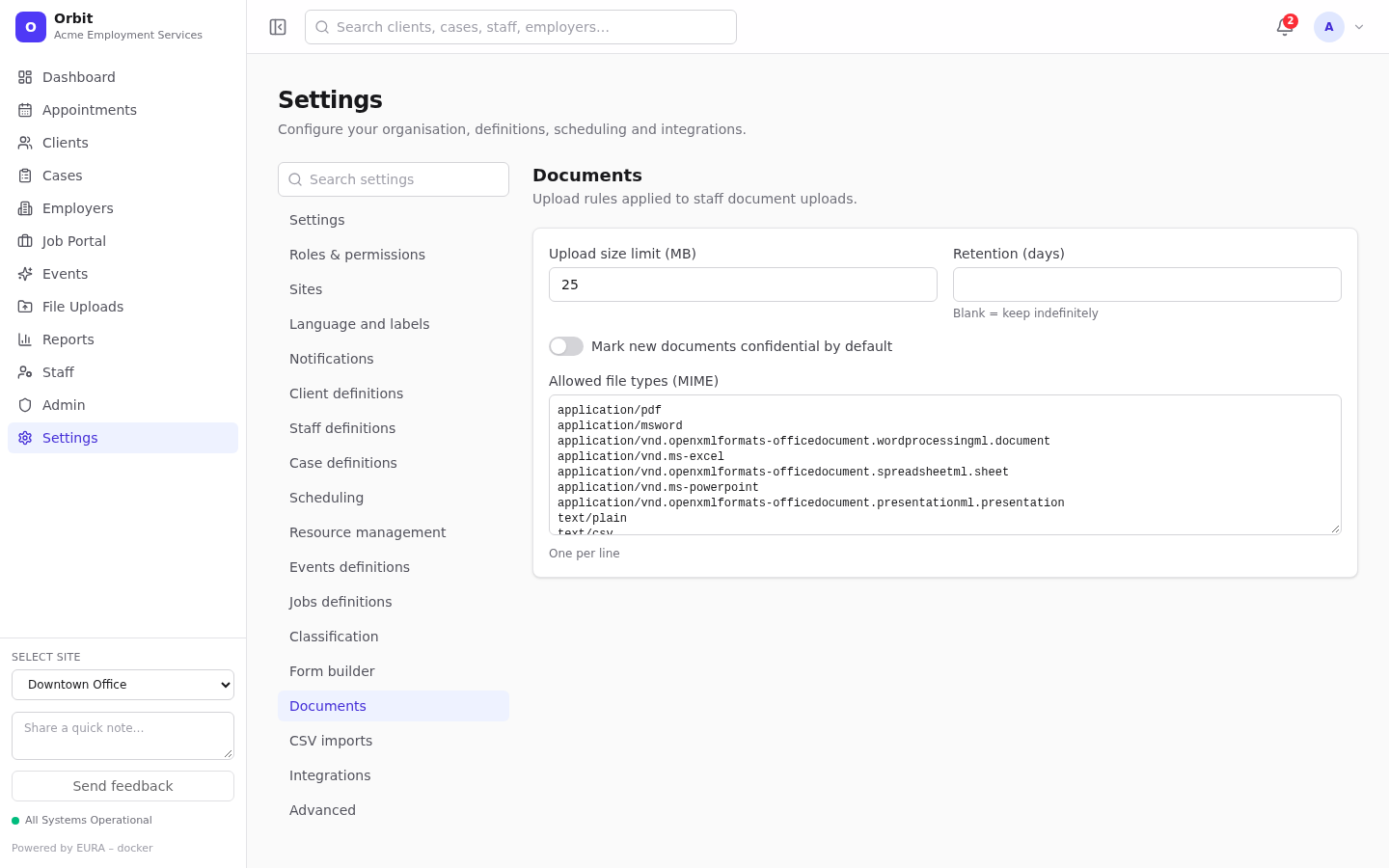
| Setting | Default | Effect |
|---|---|---|
| Upload size limit (MB) | 25 | Larger uploads are refused: File exceeds the N MB limit |
| Retention (days) | Blank (keep indefinitely) | Recorded as your retention policy. Automatic deletion isn't performed in this version |
| Mark new documents confidential by default | Off | New uploads get the Confidential flag |
| Allowed file types (MIME) | PDF, Word, Excel, PowerPoint, plain text, CSV, PNG, JPEG, GIF | Other types are refused: File type … is not allowed. One MIME type per line |
Important: CSV imports upload through the same rules. Keep
text/csv, andapplication/vnd.ms-excel(Excel on Windows labels CSV files with it), or imports will be refused.
Files the browser can't identify are always accepted. Public portal resume uploads have their own fixed rules: PDF, DOC or DOCX, up to 5 MB, with the file contents checked.