Public portal
Orbit publishes a public job board and events board for each organisation. Anyone can browse them, apply for jobs and register for events, with no account.
| Page | Address |
|---|---|
| Job board | https://<your-orbit>/jobs/<tenant> |
| Job detail and apply | /jobs/<tenant>/<job id> |
| Events board | /events/<tenant> |
| Event detail and register | /events/<tenant>/<event id> |
| Embeddable boards | /jobs/<tenant>/embed, /events/<tenant>/embed, or add ?embed=true to any portal page |
| Email confirmation | /confirm/<tenant>/<token> (from the confirmation email) |
<tenant> is your organisation's slug, for example acme. Inactive organisations' portals return not found.
Job board
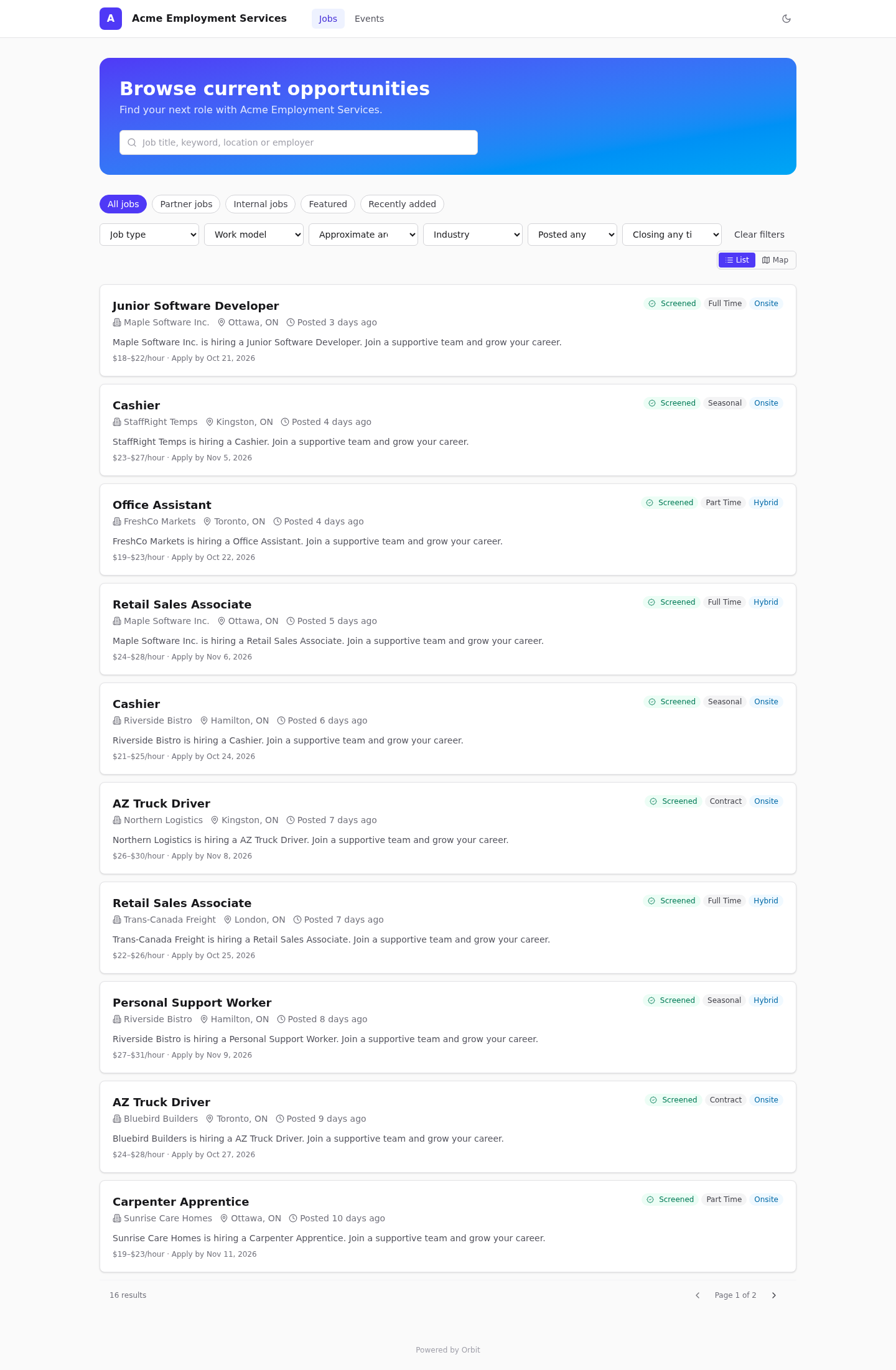
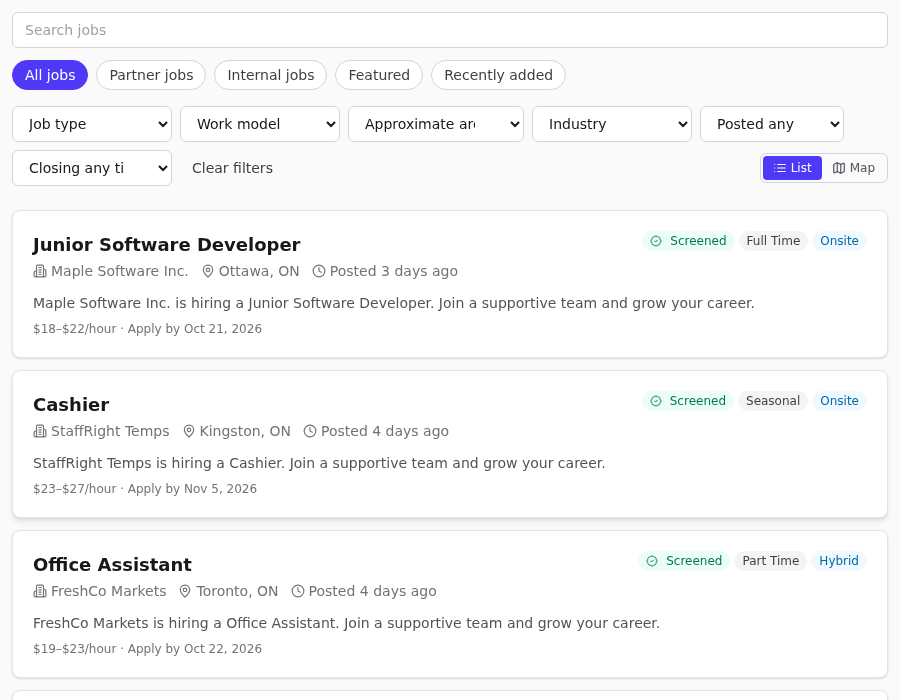
- Search by job title, keyword, location or employer.
- Tabs: All jobs, Partner jobs (not internal-only), Internal jobs, Featured (tagged
featured), Recently added (last 7 days). - Filters: Job type, Work model, Approximate area, Industry, Posted (7/30 days), Closing (7/30 days), Clear filters.
- Screened badge: the posting has a NOC code. Confidential employer: the posting has the
confidentialtag, so the employer's name is hidden. - List / Map: the map view groups jobs by approximate area (city or region). Exact workplace addresses are never shown.
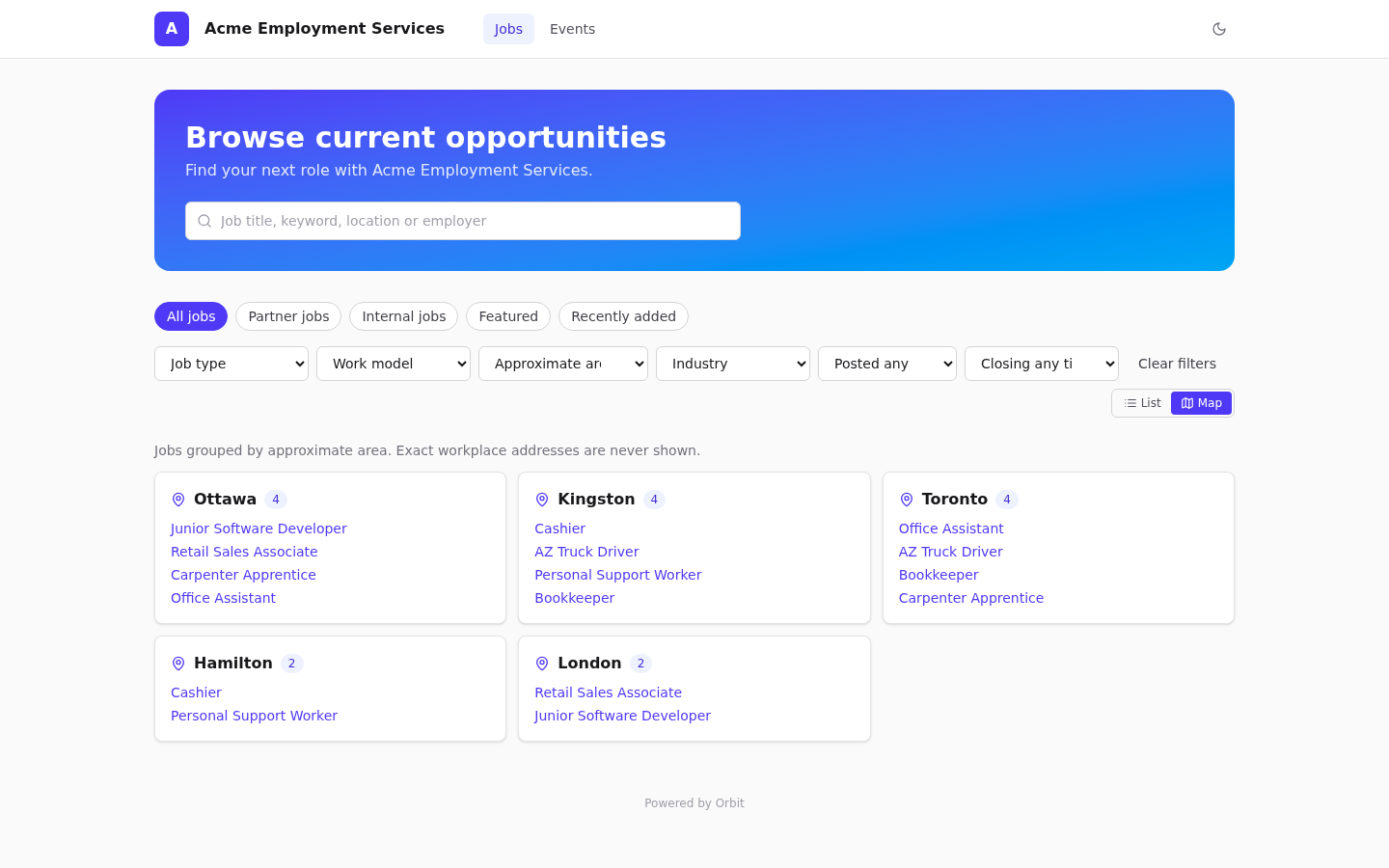
Which postings appear is explained in Publishing to the public job board.
Applying for a job
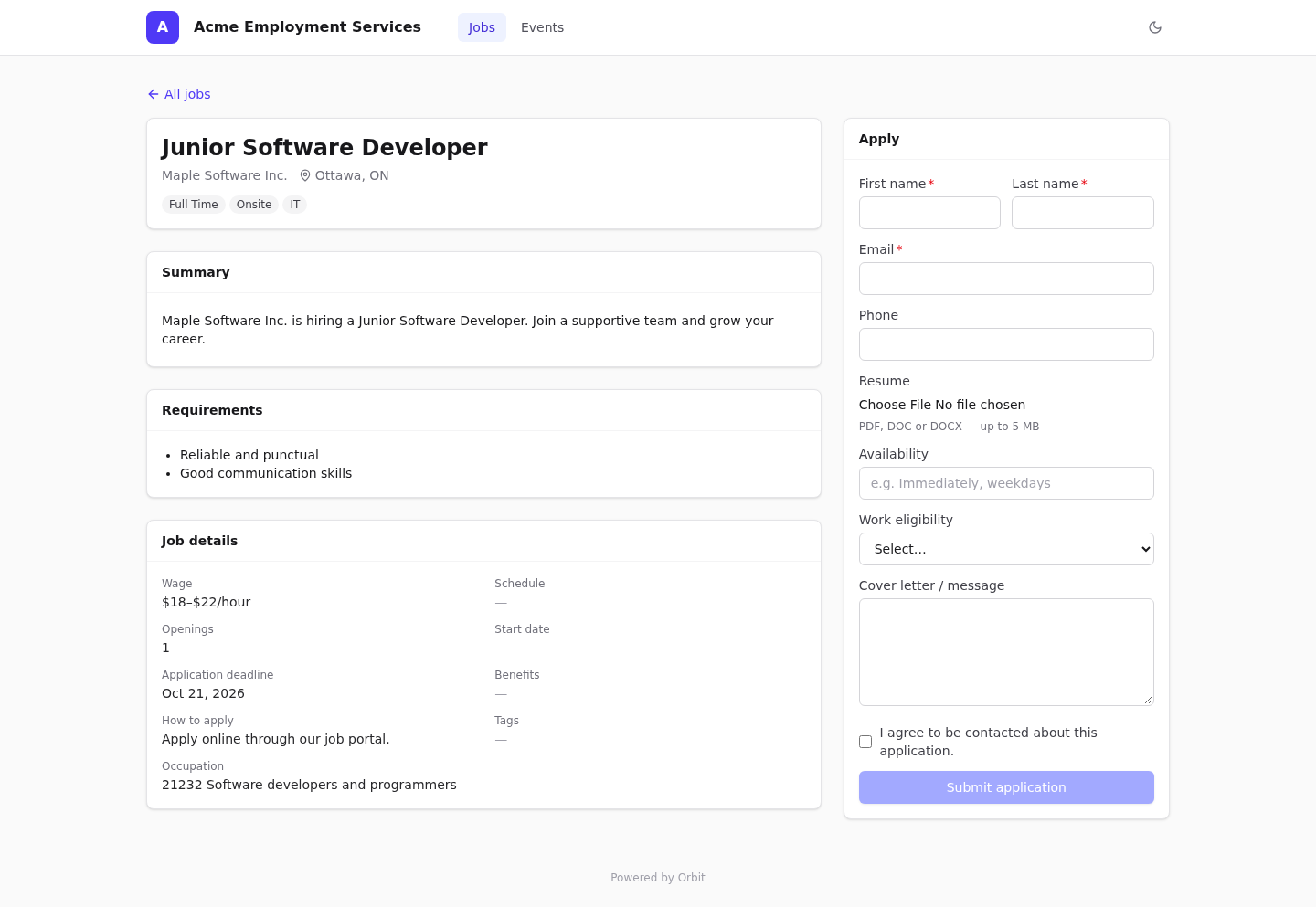
The job page shows the summary, requirements, nice-to-have skills and job details (wage, schedule, openings, start date, deadline, benefits, how to apply, occupation). The Apply form asks for:
- First name, Last name, Email (required), Phone.
- Resume: PDF, DOC or DOCX, up to 5 MB. The file contents are checked to match the type.
- Availability, Work eligibility, Cover letter / message.
- I agree to be contacted about this application (required).
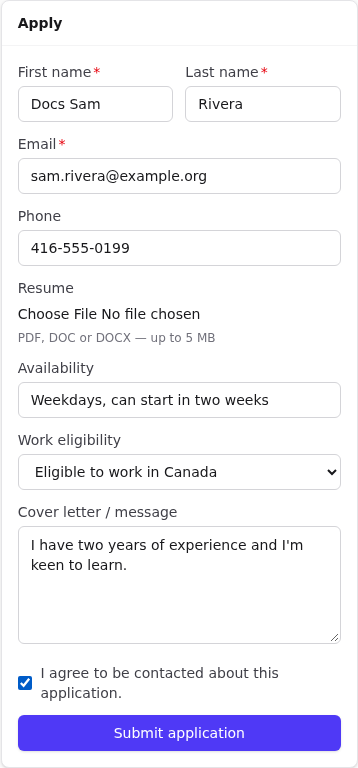
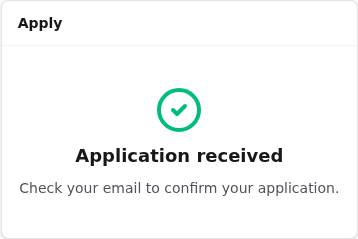
After Submit application the applicant sees Application received — Check your email to confirm your application. Closed postings show This posting is closed to new applications.
Events board and registration
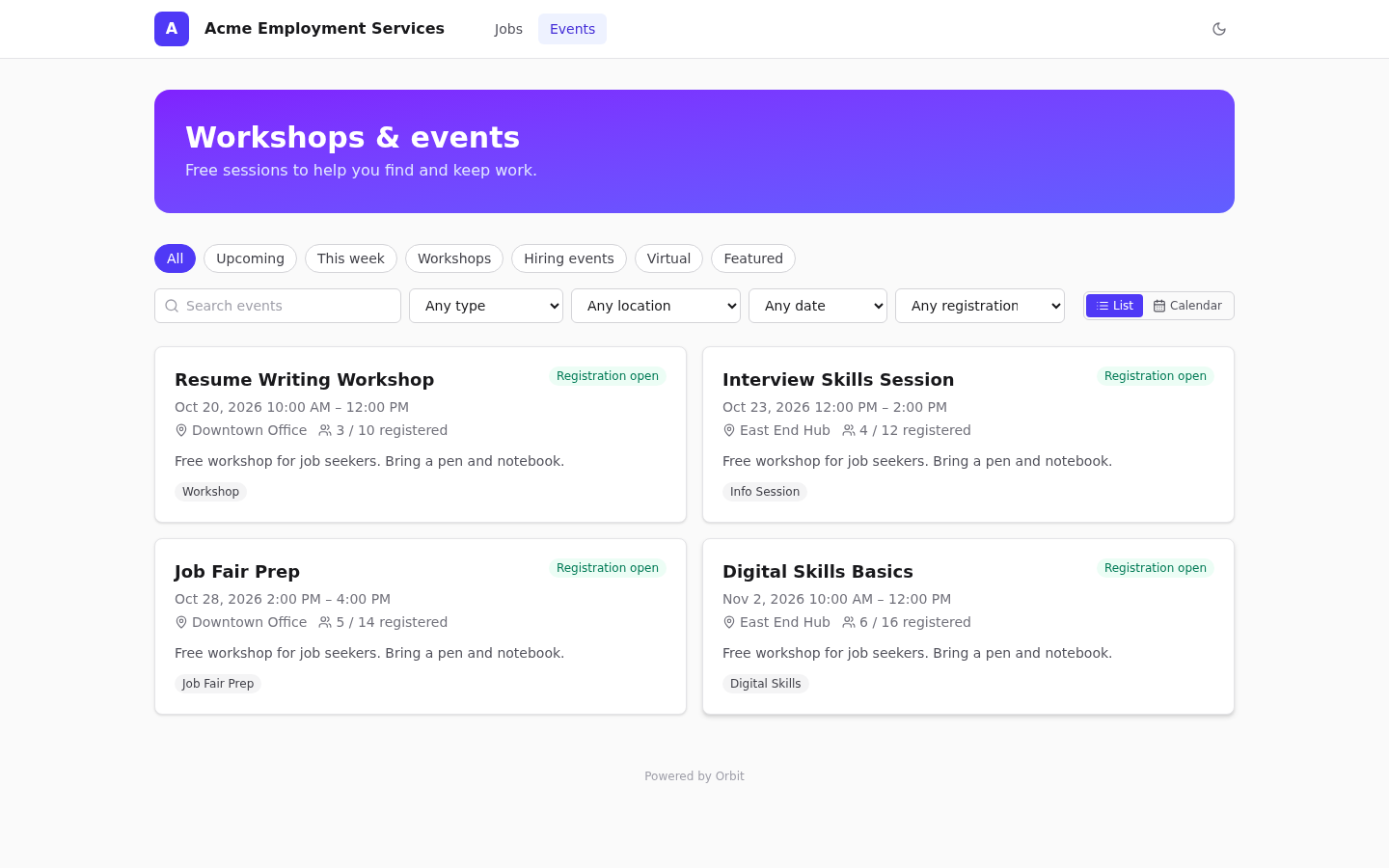
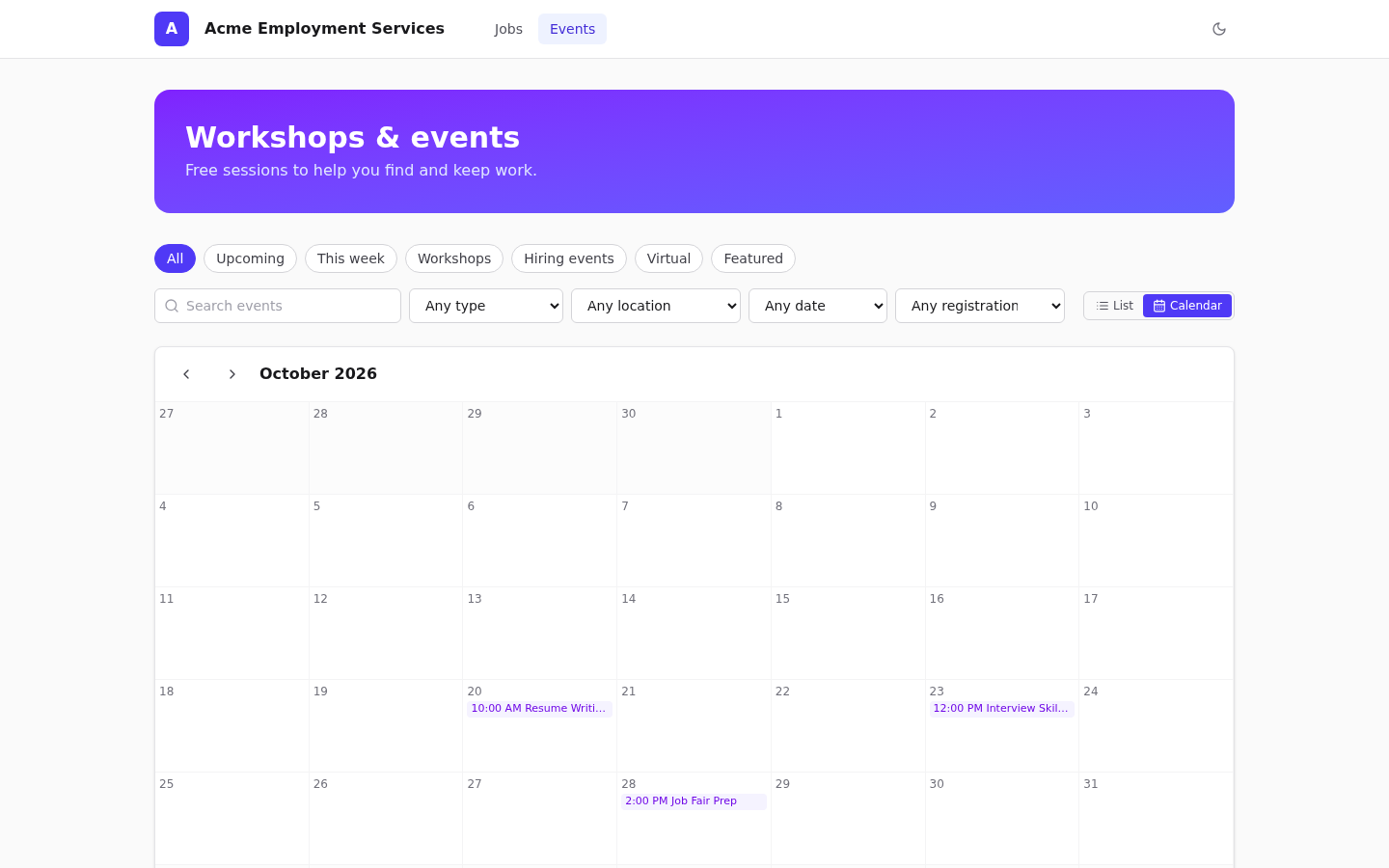
- Tabs: All, Upcoming, This week, Workshops, Hiring events, Virtual, Featured. Filters: type, location, date, registration state. List / Calendar views.
- Each card shows Registration open, Waitlist, Full or Closed, plus registered count and capacity.
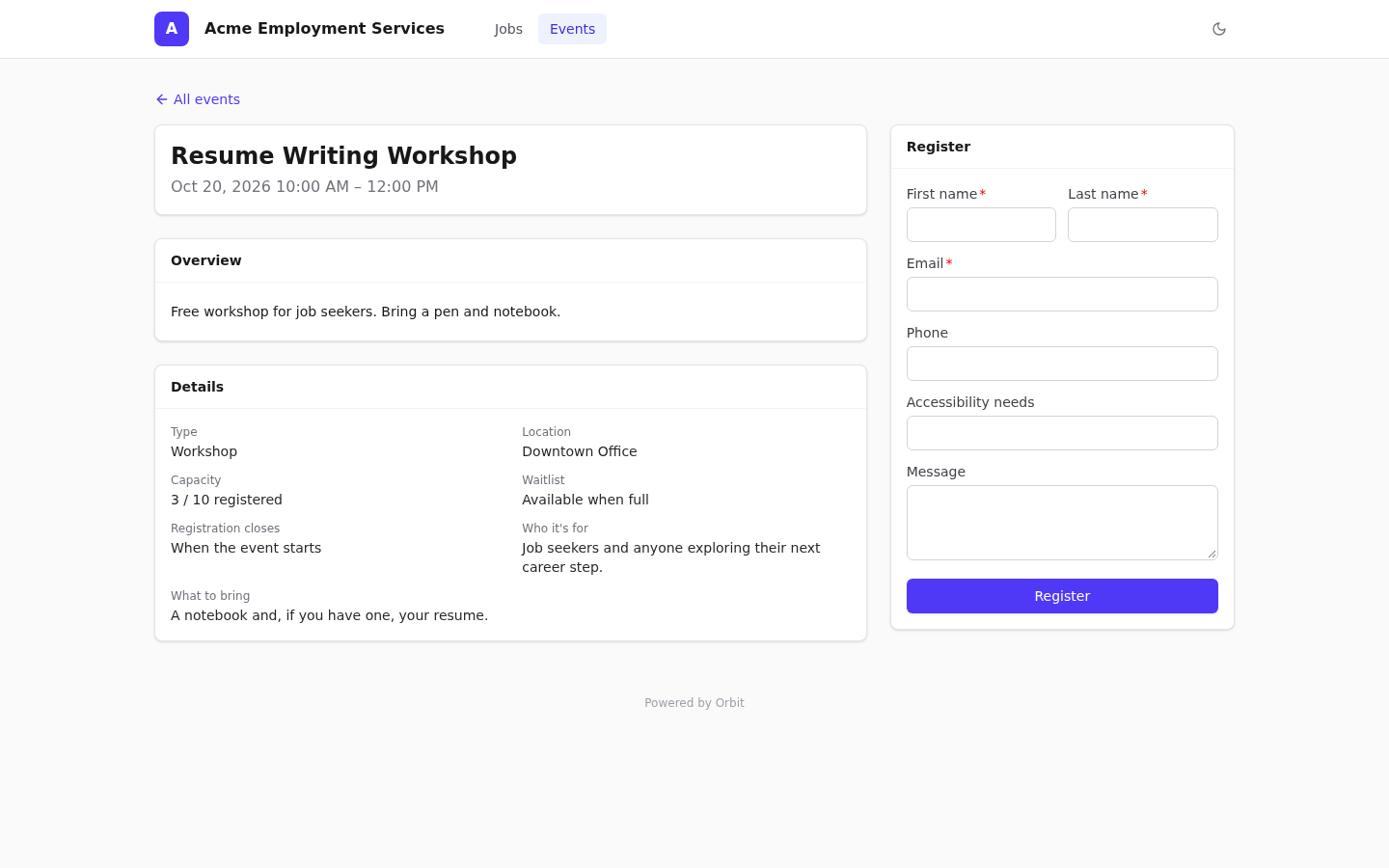
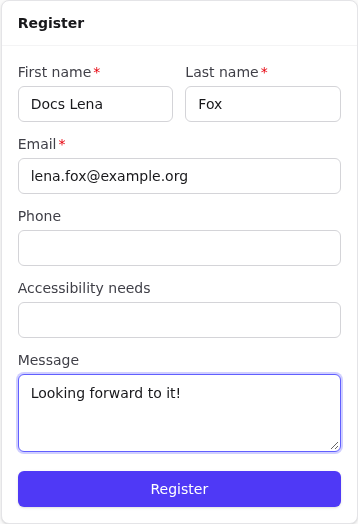
The event page has an overview, details and a Register form: name, email, phone, the questions from the event's registration form if one is set, and a message. When the event is full but has a waitlist, the button reads Join waitlist.
Email confirmation
Every application and registration must be confirmed by email:
- Orbit emails Orbit: confirm your application (or …registration) with a link that is valid for 72 hours by default.
- The guest opens it and sees Submission confirmed.
- Staff can then convert the submission. See Public submissions.
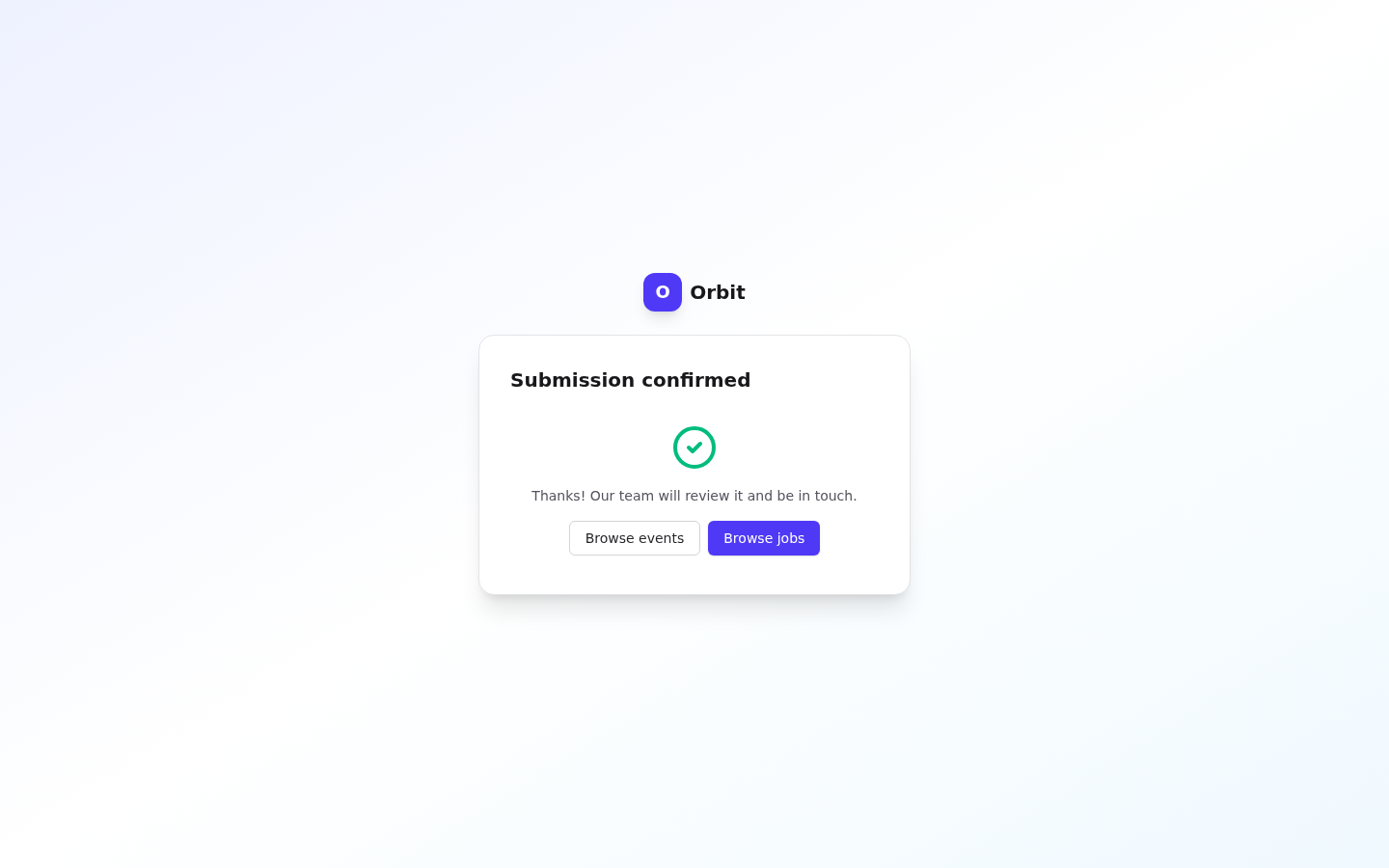
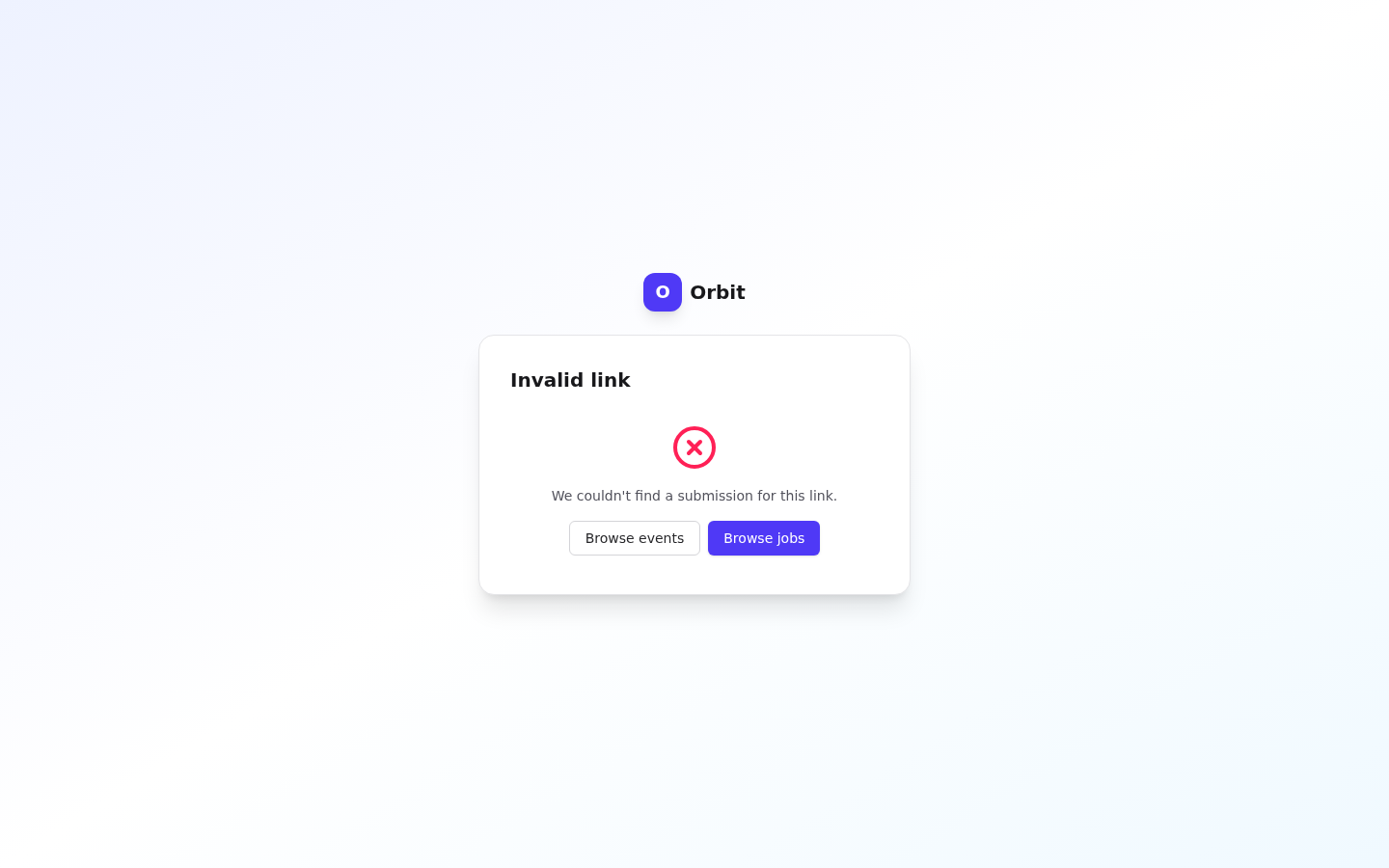
Other confirmation results: Already confirmed, Confirmation link expired (submit again), Link no longer valid (rejected by staff) and Invalid link.
Unconfirmed submissions are deleted automatically once the link expires.
Embedding the boards on your website
Use an iframe:
<iframe src="https://orbit.example.org/jobs/acme/embed" width="100%" height="900" style="border:0"></iframe>
<iframe src="https://orbit.example.org/events/acme/embed" width="100%" height="900" style="border:0"></iframe>
Embedded pages drop the header and banner, and links inside the frame stay in embed mode.
Light and dark theme
Visitors can switch with the moon/sun button in the portal header.
Abuse protection
Per visitor IP: 10 applications, 10 registrations, 5 uploads and 20 confirmations per minute. Over the limit, visitors see Too many requests, please try again shortly.