General settings and terminology
Where: Settings → Settings (general) and Settings → Language and labels. Needs: settings.read / settings.write.
General
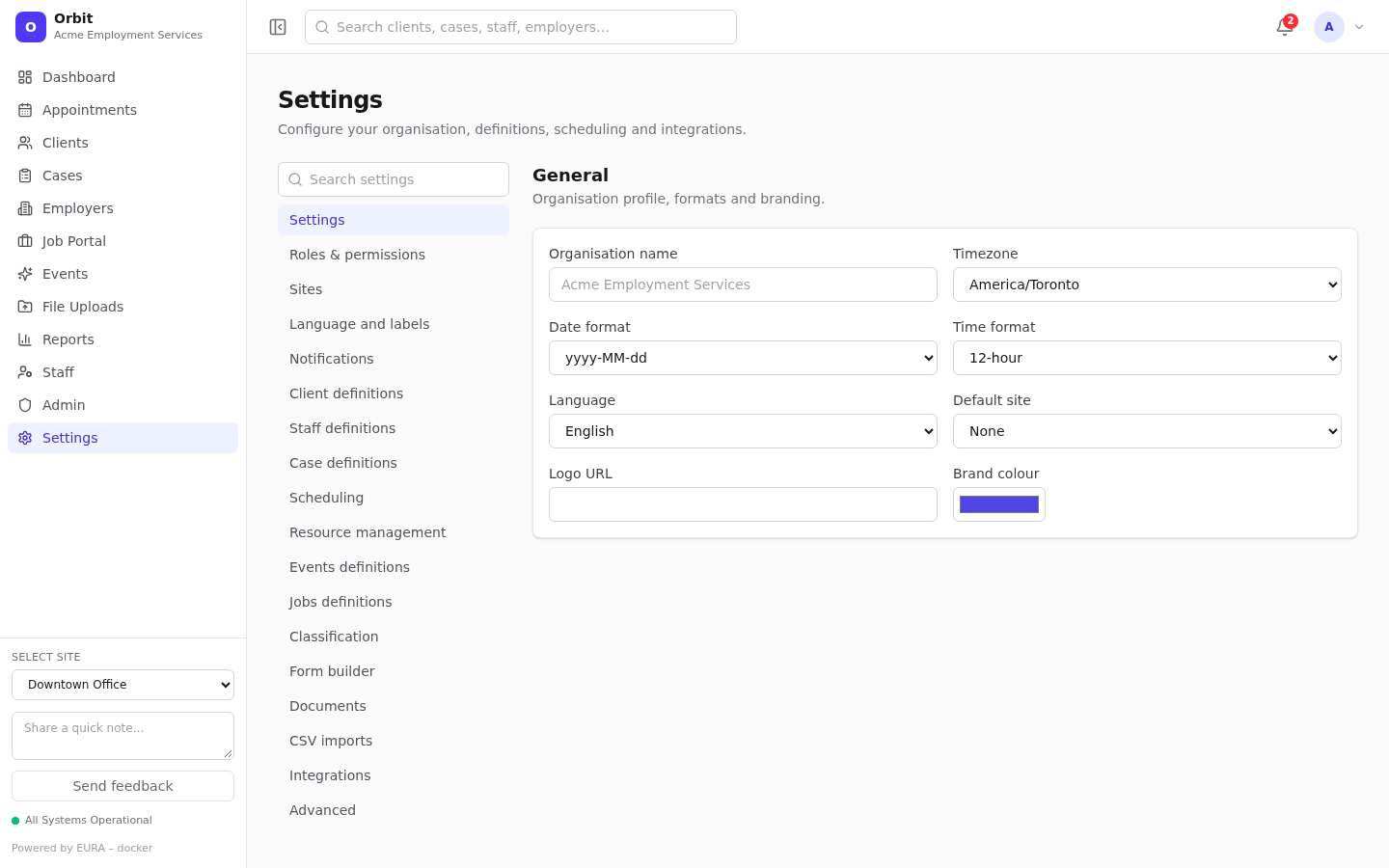
| Setting | Notes |
|---|---|
| Organisation name | Defaults to the name your platform operator gave the organisation |
| Timezone | Toronto, Vancouver, Edmonton, Winnipeg, Halifax, St. John's or UTC |
| Date format | yyyy-MM-dd, MMM d, yyyy, dd/MM/yyyy, MM/dd/yyyy |
| Time format | 12-hour or 24-hour |
| Language | English or Français |
| Default site | Marked Default in the Sites list |
| Logo URL, Brand colour | Branding |
Make changes, then Save changes in the save bar.
Note: These values are stored for the organisation and available to integrations through
GET /v1/settings/general. In this version the dashboard itself still uses each user's browser locale and timezone for dates and times, and the standard Orbit branding. Appointments at a site take that site's timezone, which is used in notification times.
Language and labels
Rename core terms to match your organisation's vocabulary, for example Participant instead of Client.
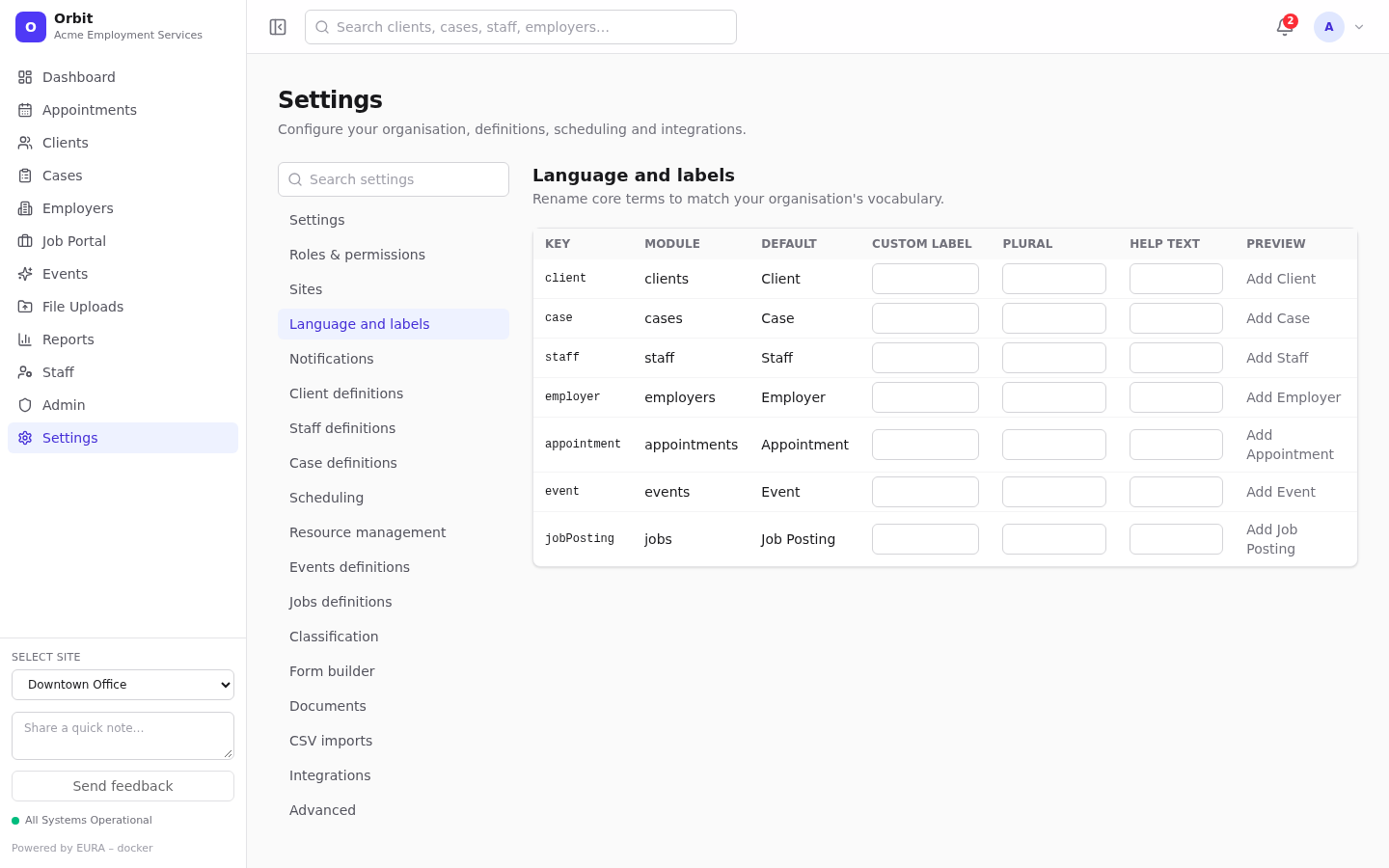
| Column | Meaning |
|---|---|
| Key, Module, Default | The built-in term: client, case, staff, employer, appointment, event, job posting |
| Custom label | Your singular term |
| Plural | Your plural term |
| Help text | A short explanation |
| Preview | How an "Add …" button would read |
Save with the save bar.
Note: Label overrides are stored and served by
GET /v1/settings/terminologyfor integrations and future screens. The dashboard's built-in labels don't change yet.
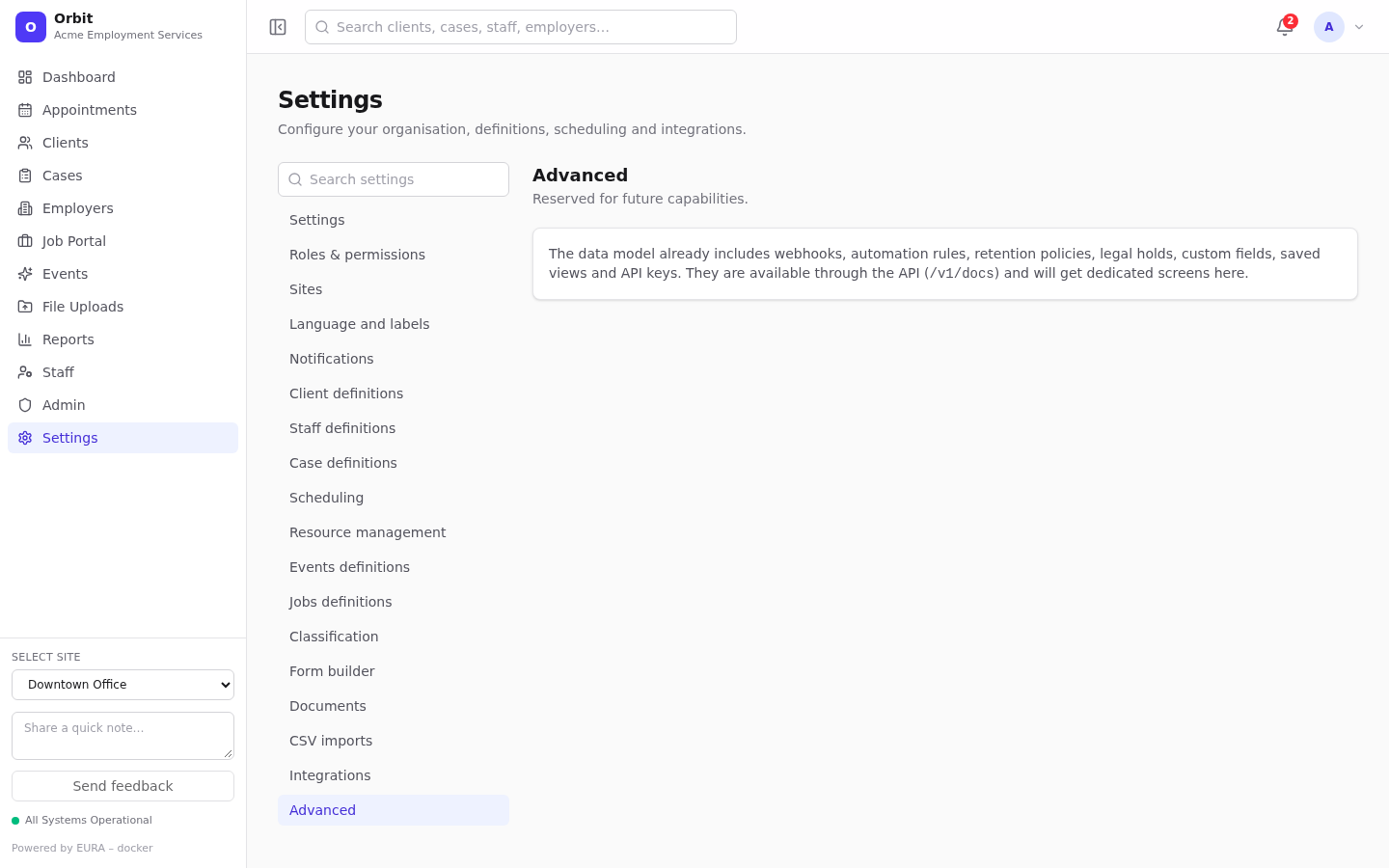
Advanced
Settings → Advanced describes capabilities in the data model that have no screens yet: webhooks, automation rules, retention policies, legal holds, custom fields, saved views and API keys. They're reachable through the API (/v1/docs).