Classification settings (NOC / NAICS policy)
Decide how strictly job postings and employers must be classified.
Where: Settings → Classification. Needs: settings.read / settings.write.
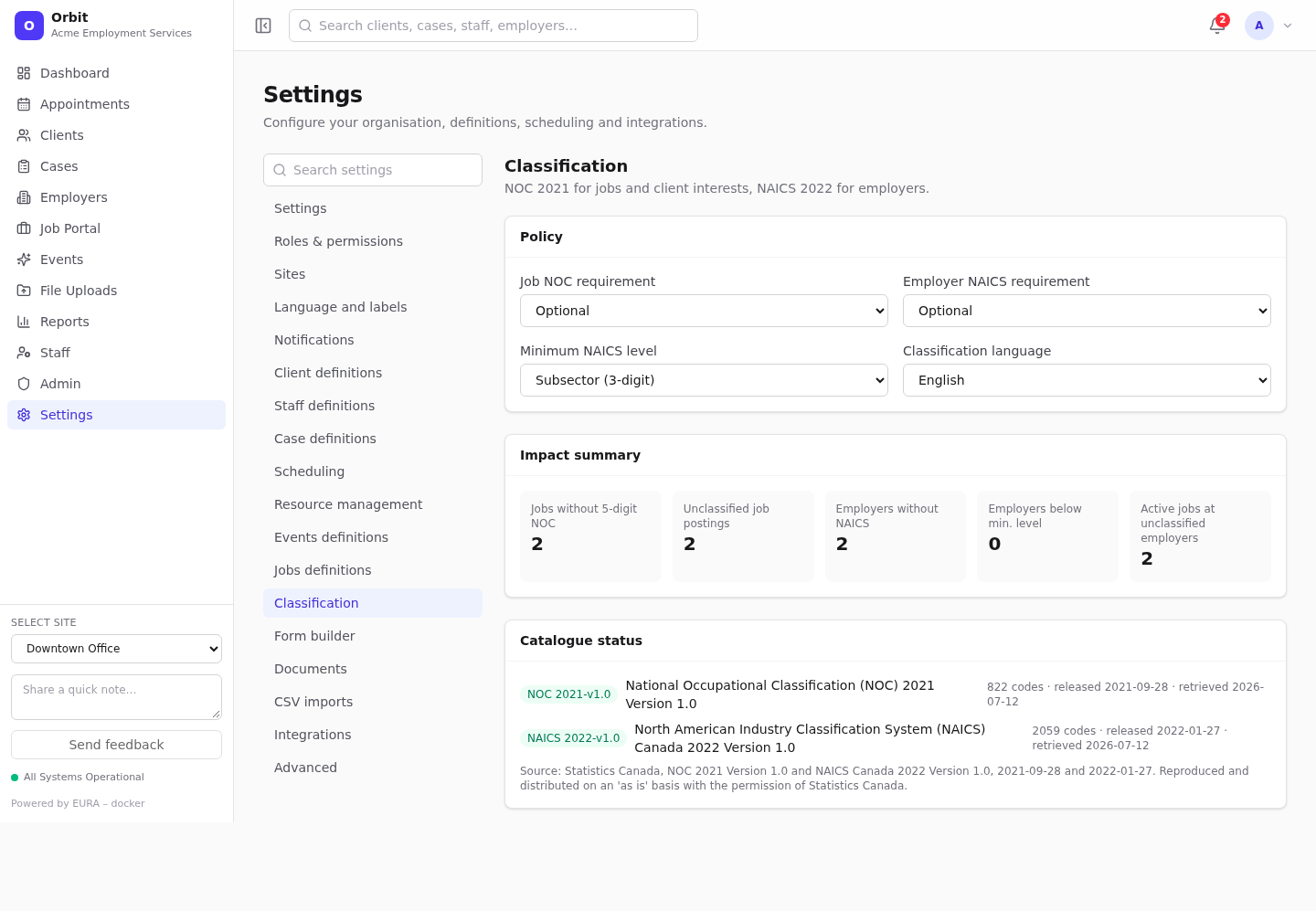
Policy
| Setting | Options |
|---|---|
| Job NOC requirement | Optional · Required for publishing (a 5-digit NOC is needed to show a posting on the public portal) · Required for all edits (every save of a posting needs one) |
| Employer NAICS requirement | Optional · Required for publishing jobs (the employer needs a NAICS code before any of its postings can be published) · Required for operational use · Required for all edits |
| Minimum NAICS level | Sector (2-digit) · Subsector (3-digit, default) · Industry group (4-digit) · Industry (5-digit) · National industry (6-digit). Codes less specific than this can't be picked, and existing ones show a warning |
| Classification language | English or Français |
Save with the save bar.
Making the rules stricter
When a change tightens the policy, a warning explains the impact before you save, for example: N active jobs lack a 5-digit NOC, N employers have no NAICS, N are below the selected level, and N active jobs belong to unclassified employers. Existing records aren't changed, but their next edit is blocked until it complies.
Find the records to fix with the Missing NOC filter on Postings and Missing NAICS assignment on Employers.
Impact summary
Live counts: jobs without a 5-digit NOC, unclassified postings, employers without NAICS, employers below the minimum level, and active jobs at unclassified employers.
Catalogue status
The loaded catalogue versions (NOC 2021, NAICS 2022), code counts, release and retrieval dates, and the Statistics Canada attribution.