Overseer overview
Overseer is the platform console for superadmins, the people who run the Orbit platform itself. It's a separate app from the tenant dashboard: by default port 3101 locally, or its own domain in production.
Superadmins can't sign in to the tenant dashboard with their superadmin account. Tenant users can't sign in to Overseer.
Signing in
- Open the Overseer address. You'll see Overseer Authentication — Platform superadmins only.
- Enter Email and Password, then Sign in.
- If two-step verification is on, choose a method and enter the 6-digit code, or select Use a recovery code.
- If A password reset is required appears, another superadmin must set a new password for you (Superadmins).
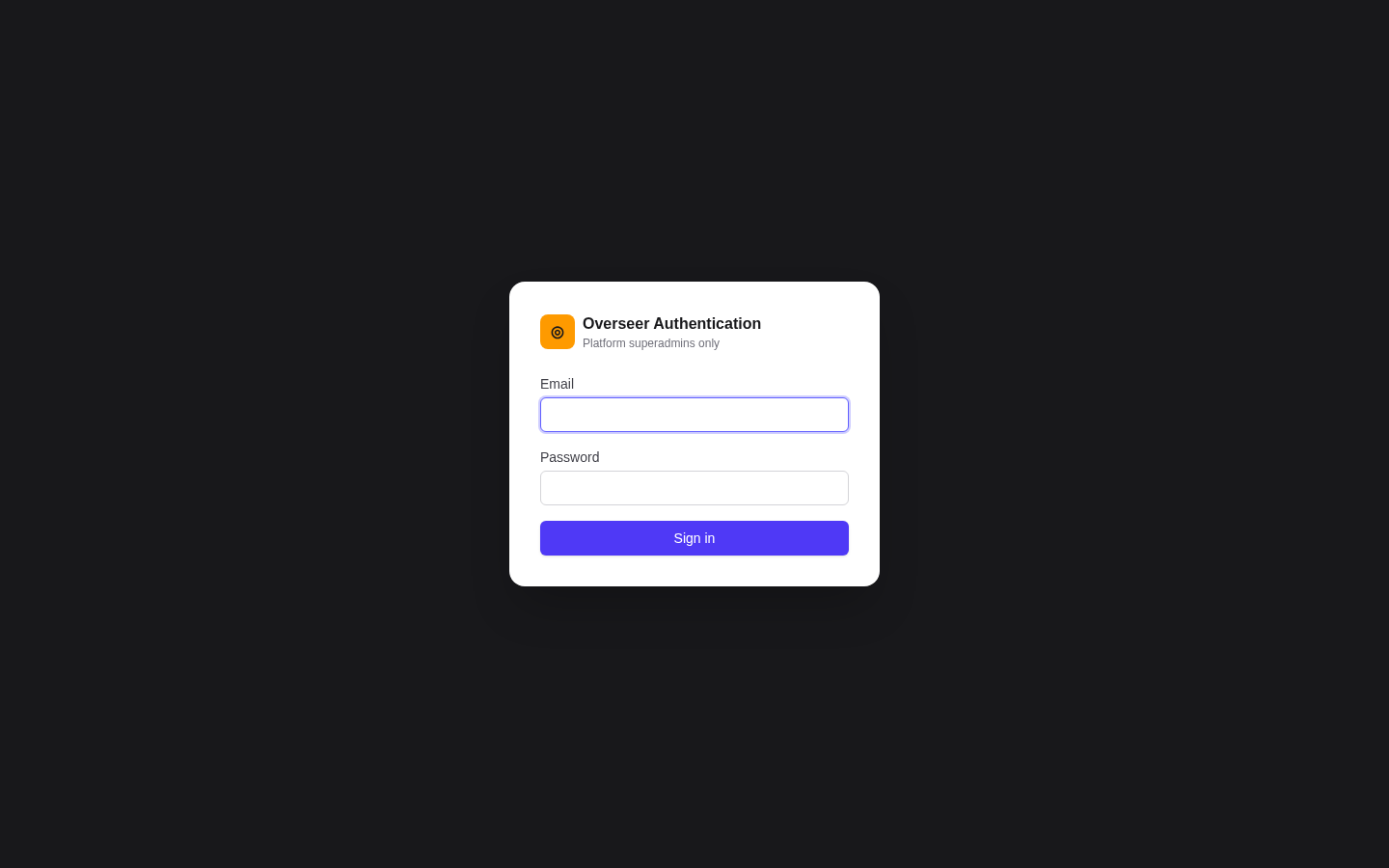
The first superadmin is created automatically at start-up from SUPERADMIN_EMAIL and SUPERADMIN_PASSWORD (see Configuration).
Two-step verification gate
With REQUIRE_SUPERADMIN_MFA=true (the default), a superadmin without a verified method is sent to Security with Two-step verification required — Enrol a verification method below to unlock the admin console. Enrol, and the console unlocks. See Superadmins and security.
Sessions are kept in secure, http-only cookies, so tokens are never exposed to page scripts.
Navigation
| Page | Purpose |
|---|---|
| Dashboard | Platform overview |
| Tenants | Provision and manage organisations (Provisioning, Tenant management) |
| Superadmins | Manage platform operators |
| Security | Your own two-step verification and recovery codes |
The sidebar footer shows who you're signed in as, with Sign out.
Dashboard
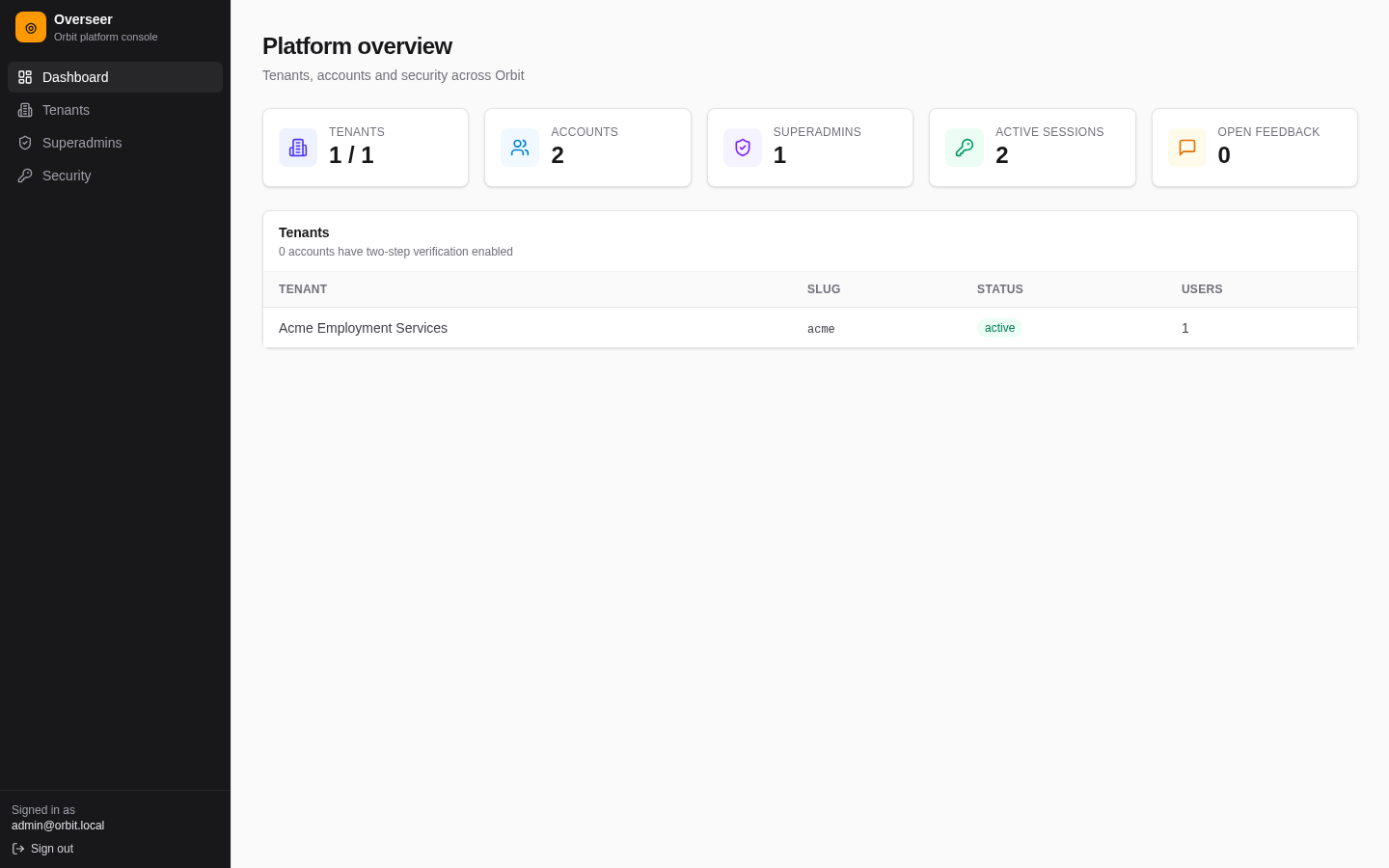
- Tiles: Tenants (active / total), Accounts, Superadmins, Active sessions, Open feedback.
- How many accounts have two-step verification enabled.
- A per-tenant table: name, slug, status and user count. Select a tenant to open it.