Notification settings
Choose which in-app notifications staff receive, and when reminders go out.
Where: Settings → Notifications. Needs: settings.read / settings.write.
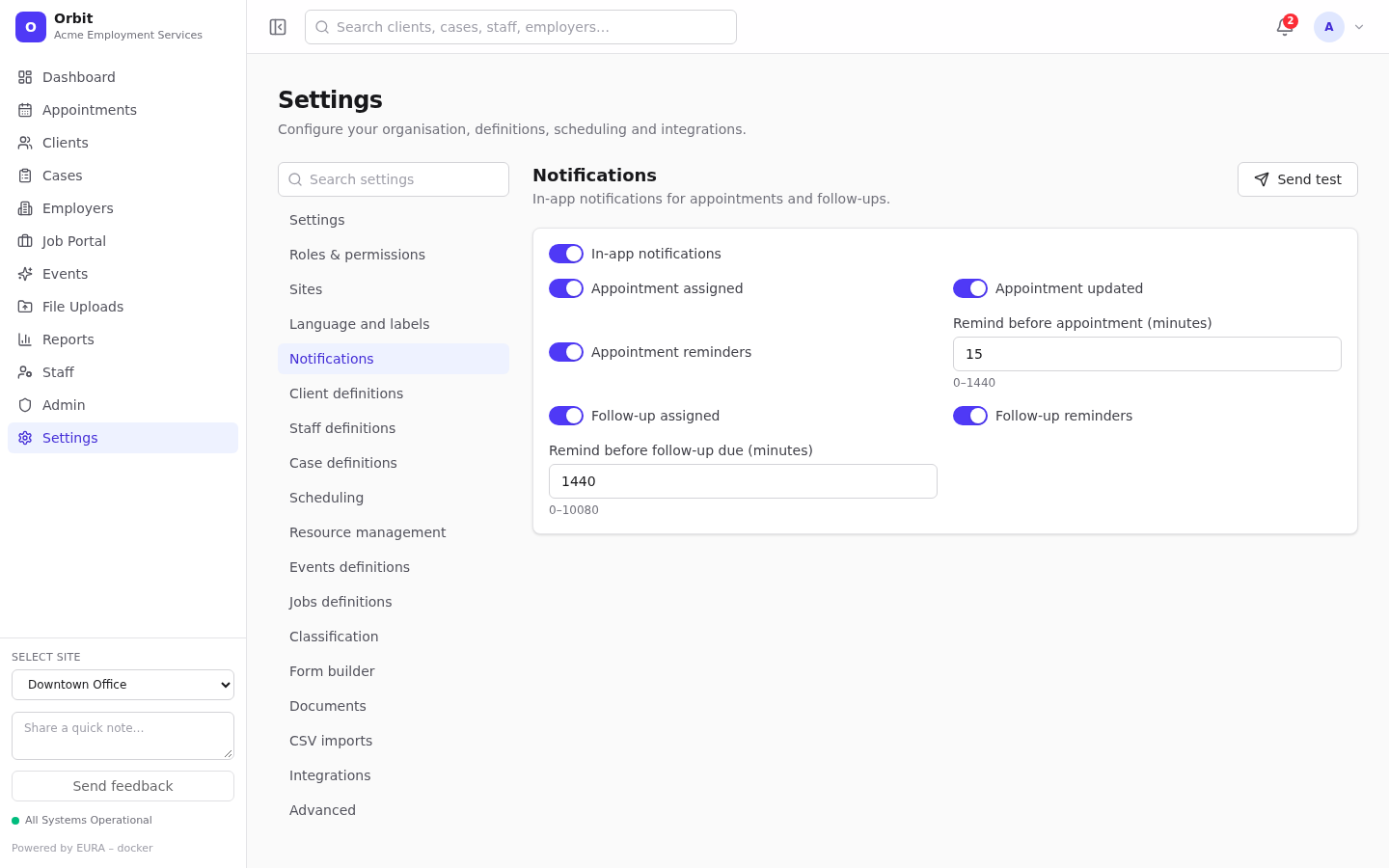
| Setting | Default | Meaning |
|---|---|---|
| In-app notifications | On | Master switch |
| Appointment assigned | On | Notify staff when an appointment is assigned to them |
| Appointment updated | On | Notify staff when their appointment changes |
| Appointment reminders | On | Send a reminder before the appointment |
| Remind before appointment (minutes) | 15 | 0–1440 |
| Follow-up assigned | On | Notify staff when a follow-up is assigned to them |
| Follow-up reminders | On | Send a reminder before the due time |
| Remind before follow-up due (minutes) | 1440 (one day) | 0–10080 (one week) |
Save with the save bar.
Send test sends you a notification. Check the bell to confirm that notifications work.
Reminders are created by the background worker every minute by default, and never twice for the same appointment or follow-up. If reminders don't arrive, check that the worker is running.
These are in-app notifications. Emails are sent only for sign-in codes, password resets, invitations, portal confirmations and reports.